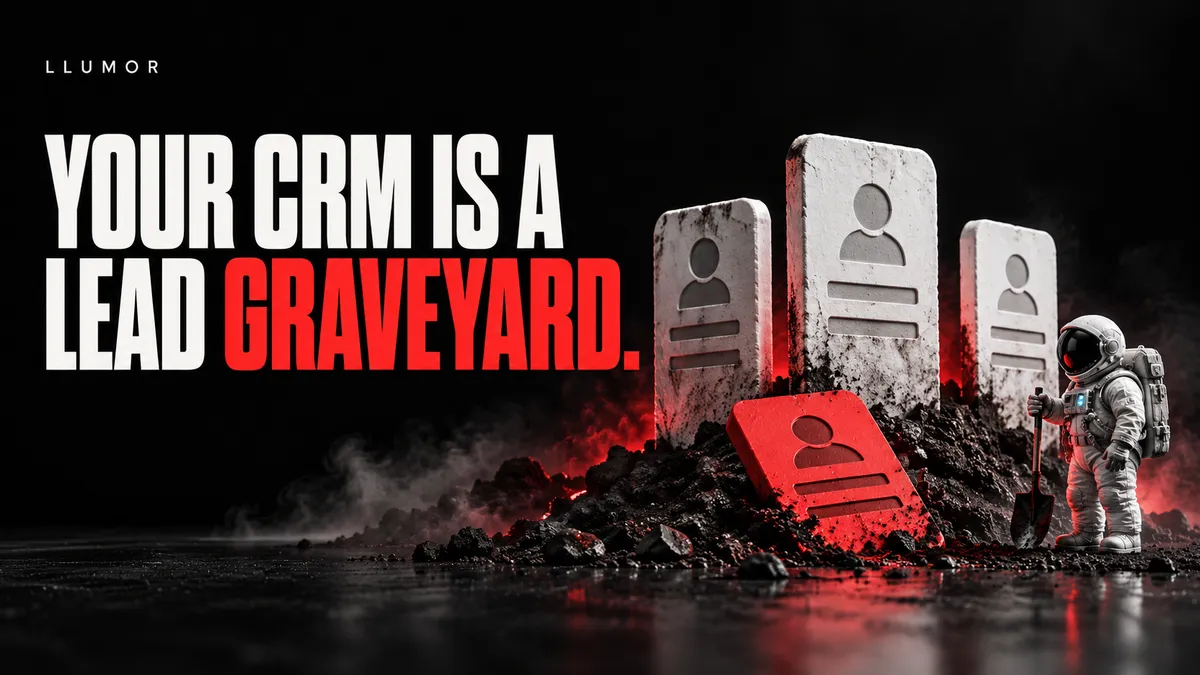
Best CRM for a Small Service Business? Stop Buying a Lead Graveyard.
The best CRM for a small service business is one your team will use to capture enquiries, assign an owner and take the next step. HubSpot, Pipedrive, Zoho and HighLevel are worth comparing against that job.
There is no honest winner for every business. The right choice depends on your process, the tools you already use and who will run it.
Here is the uncomfortable bit: a business can buy a very good CRM and still turn it into a very expensive graveyard.
New lead. Quote sent. No reply. Forgotten.
The names are neatly stored. The opportunities are quietly dying. Nobody can tell you what happens next.
What is a CRM, in plain English?
CRM means customer relationship management. The software keeps customer details, conversations and work to be done in one place.
For a service business, it should answer three questions without a meeting:
Who is responsible for this enquiry?
What has happened so far?
What is the next action, and when is it due?
A contact record without a next step is storage. Useful, perhaps. But storage does not call a customer back.
Stop shopping by the longest feature list
A system with twenty dashboards can still fail at “remind Sam to chase the quote on Thursday”.
Before watching a demo, write down your real process. For example:
New enquiry → checked → conversation booked → quote sent → won or lost.
Keep it short. Each stage should mean something has happened. “Warm”, “very warm” and “pretty warm actually” are not a sales process.
Then decide who owns each step. If the team cannot agree on that, do not ask software to settle the argument.
Which CRM should a small service business consider?
This is a shortlist based on published features, not a claim that every system has been tested against the others. Plans and limits change. Ask each supplier to demonstrate your actual process.
Pipedrive: start here when sales follow-up is the main job
Pipedrive supports automated emails tied to sales events. Its documentation says email automation needs email sync, with the relevant features on Growth plans and above. Check its email automation guide.
Consider it when: you want to organise enquiries, quotes and the next sales action.
Prove before buying: that your forms connect cleanly, replies are recorded and reminders work for the person out doing the jobs.
HubSpot: consider it when teams need a shared customer history
HubSpot sequences combine timed emails and tasks. They can stop when a contact replies or books a meeting. Sequences require the right paid subscription and seat. Read its sequence requirements.
Consider it when: marketing, sales and service need to work from the same records.
Prove before buying: which exact plan covers your follow-up process. A free contact database is not the same purchase as a complete automated sales system.
Zoho CRM: consider it when your process needs tailored rules
Zoho workflow rules can trigger actions such as emails, tasks and record updates when conditions are met. See its workflow guide.
Consider it when: you have clear rules and someone who can set them up and maintain them.
Prove before buying: that those rules remain easy for your team to understand. Clever setup that only one absent expert can fix is a weak point.
HighLevel: consider it when follow-up and booking need to work together
HighLevel workflows include controls for repeat entry, sending times and stopping after a response. Its Conversation AI booking action can also work with a selected calendar. See workflow controls and booking features.
Consider it when: enquiries need a clear route into conversations and appointments.
Prove before buying: that replies, bookings and opt-outs stop the right messages. “Stop on Response” covers replies to that workflow’s messages, not every possible contact event.
The six-part demo that exposes a bullshit sales pitch
Do not let the seller spend forty minutes showing you their best screen. Give them a dummy enquiry and ask them to do this:
Capture it. Submit your test form twice. Show where it lands and how duplicates are handled.
Own it. Assign the enquiry to a person. Show their alert and the next task with a due date.
Handle a reply. Reply to the automated message. Show the conversation and prove the relevant chasing stops.
Handle a booking. Book the next step. Prove the customer is not still being asked to book it.
Handle “stop”. Opt out through the intended route. Check the right messages stop and the preference is kept.
Handle real life. Show a failed message, an overdue task, the phone view and a contact export. Explain who gets told when something breaks.
If a supplier cannot show a step live, ask exactly what is missing. A setting, an extra plan or a custom connection may be needed.
“Yes, we integrate” is not a demonstration.
How do you automate lead follow-up without becoming a pest?
Start with the customer’s request and the next useful action. Do not start with “let’s send seven emails”.
Here is an example for a planned service enquiry. Change the timing for your working hours, sales cycle and what the customer asked for:
On arrival: confirm receipt, assign the owner and set a real reply deadline.
During that working day: the owner answers the question or asks for the one missing detail needed to move on.
After two working days without a reply: create a task to check whether a helpful reminder is appropriate.
After another agreed interval: offer a simple next step or close the loop. Do not keep chasing forever.
These timings are an example, not a proven best schedule. An urgent repair needs a different response from a major project planned for next year.
Stop automated chasing when someone replies, books, asks to stop or is not a fit. Give a person the next task where needed.
For promotional emails or texts, check the permission rules before setting the sequence live. Individuals and sole traders have different protections from limited companies. An enquiry is not a blank cheque for endless marketing. Read the ICO’s guidance.
Will AI replace the CRM?
AI can help write, sort and summarise. You still need a reliable record of the customer, what was agreed, who owns the job and what may be sent.
A clever reply from a bot does not fix a missing booking or an ignored opt-out. Test the complete process.
Can a spreadsheet do the job?
For a small number of enquiries and one organised owner, it may be enough. Give every row an owner, status, next action and due date.
Move beyond it when handovers, shared conversations or missed reminders create real problems. Buy the system to solve those problems. Do not buy it to feel like a bigger company.
The check you can run this afternoon
Open your last ten enquiries. For each one, find the owner, last useful contact, next action and final result.
Count the gaps. That is your starting point.
If half the enquiries have no next step, a new AI feature is not your first job. Put someone in charge of the follow-up.
Get the process out of your head
Get the free Enquiry Follow-up Playbook. Use it to build a process your team can actually follow, then choose the CRM that supports it.
Llumor helps service businesses across Stratford-upon-Avon, the West Midlands and the UK turn attention into enquiries and follow-up. If leads keep disappearing between your website and the first conversation, show us where they get stuck.
