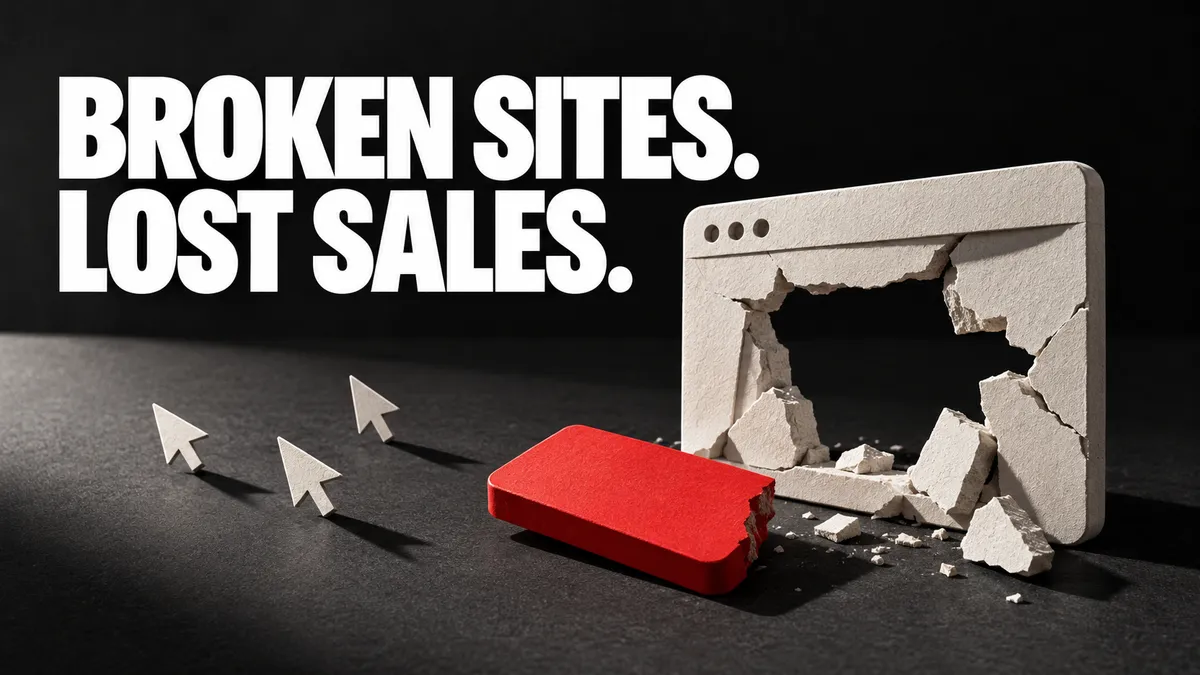
Shit Websites Kill Conversions. Here’s What to Fix.
Your website can look expensive and still be bloody useless. A visitor arrives with a problem. They cannot work out what you sell, whether it suits them or how to contact you. They leave. The beautiful animation carries on playing.
For a service business in Stratford-upon-Avon or anywhere across the West Midlands, a website needs to help a suitable buyer take the next step. That might be an enquiry, a booked call or a purchase.
A conversion is that useful action. Improving conversions means helping more of the right visitors complete it. Before paying for a full redesign, check where the current journey breaks.
1. Your opening message makes people work too hard
“Empowering tomorrow through innovative solutions” is a sentence that could belong to almost anyone. It leaves the customer to do your explaining.
The opening screen should make the service, customer and next step clear. Put your clever line beside useful information, not in place of it.
Hypothetical example: a commercial IT provider in Coventry could say: “IT support for Coventry businesses without an in-house team.” Follow it with the actual support offered and a clear way to discuss the need. Only mention response times or coverage you can deliver.
Show the page to someone who does not work for you. Ask what the company does, who it helps and what they would click next. If their answers are vague, fix the message before debating the shade of blue.
2. The page ignores why the visitor came
Someone searching for a website redesign has different questions from someone looking for help with a broken contact form. Sending both to the same vague sales pitch makes the journey harder.
Match the page to the need that brought the visitor there. Explain the specific service, show relevant work and answer the obvious buying questions.
For a West Midlands service business, that can include the areas covered, whether visits are available, how the first conversation works and what information is needed for a quote.
Do not invent a local office to make the page feel nearby. Accurate service coverage is more useful than a stock photo of a building you have never worked in.
3. You ask for trust without showing enough evidence
“Trusted experts” is easy to type. A buyer needs something more solid.
Use evidence close to the decision it supports: relevant project examples near the service, real reviews near the enquiry route, and clear details about the people doing the work.
Explain the scope of a case study. If a project involved a new website and a paid campaign, do not credit all the results to a button colour. If you quote a result, give its period and enough context to make it meaningful.
Even without impressive figures, you can show your process, an actual deliverable, a useful before-and-after comparison or the questions you ask at the start. Publish customer details only with permission.
4. The website makes the next step feel like a trap
A button labelled “Submit” does little to explain what comes next. A page covered with competing offers makes choosing harder.
Give the page one clear main action. Use a label that describes it: “Request a quote”, “Book a call” or “Send your enquiry”. Explain what happens afterwards.
Say whether the call is a sales conversation, what you will discuss and whether there is any charge. Keep a phone or email route available for people who need it.
Do not promise a reply within an hour because it sounds good. Set a response expectation your team can meet. Then make someone responsible for meeting it.
5. The contact form quietly loses the sale
Clicking a button is not proof that a message arrived. A form can reject a valid entry, hide an error, fail to save the details or show no clear confirmation.
Test the whole route with a labelled enquiry:
Fill it in on a phone using normal details and common formats.
Try an incomplete entry. Check that the error identifies the field and explains the fix.
Submit a complete enquiry and look for a clear success message.
Check that the enquiry is saved in the right system.
Check the team alert and who owns the follow-up.
Confirm Analytics records success once, rather than every button click.
Keep the form as short as the job allows. Ask for information you need at this stage. A simple first conversation rarely needs a full procurement questionnaire.
The W3C’s form guidance supports clear labels, helpful instructions, useful error messages and confirmation when a task succeeds. These details help people using keyboards, screen readers and other ways of navigating, as well as everyone dealing with an awkward form.
6. Your phone experience is an afterthought
Open the page on an actual phone, away from your office Wi-Fi. Try it with one hand. Follow the journey from the top of the page to the finished enquiry.
Check that text is readable, buttons are easy to select, menus close properly and nothing covers the form. A sticky header that hides the success message can make a working form look broken.
Try keyboard navigation on a computer too. You should be able to reach the main links and form controls, see where the focus is and complete the task without a mouse.
Check the page with optional cookies rejected as well as accepted. Basic enquiries should still work. Respecting a visitor’s choice should not remove their ability to contact you.
7. Heavy design is slowing the useful part down
Large images, background video and unnecessary scripts can make the page harder to use. Start with the elements blocking the customer’s task.
Google’s Core Web Vitals measure loading, responsiveness and layout movement. Its good thresholds are a main-content load within 2.5 seconds, an interaction response within 200 milliseconds, and a layout-shift score of 0.1 or less. These are assessed at the 75th percentile of real visits. Read the current definitions.
Use PageSpeed Insights to find likely problems. Where real visitor data exists, examine that alongside the test result. Low-traffic pages may not have enough field data.
A green performance score cannot rescue an unclear offer. Equally, a brilliant message does little good if people struggle to reach it. Resize and compress images appropriately, remove features with no useful job, and retest the important pages.
What is a weak conversion rate costing you?
Illustration, not a forecast: a page receives 1,000 visits and produces 10 enquiries. Its enquiry rate is 1%. If the same number and type of visits produced 20 enquiries, the rate would be 2%.
That is ten extra enquiries without more traffic. It is not a promise that a redesign will double results, and it says nothing about whether those enquiries are suitable.
Track the next step too: how many become qualified opportunities and customers? Compare similar traffic sources and periods. Ten visitors are not enough evidence for a confident claim about a new page.
Record what you changed. If you rewrite the offer, replace the form and double ad spend together, explaining the result becomes much harder.
Fix in the order that protects enquiries
First: repair broken forms, booking links, phone links and payment steps.
Next: make the offer, audience, proof and next step clear.
Then: remove obstacles on phones, improve accessibility and tackle serious speed problems.
After that: test refinements using completed enquiries and their quality.
Connect this work to your paid advertising and local SEO. Getting more people onto a confusing page can increase waste as fast as it increases traffic.
Before you commission a redesign
Do we need a completely new website?
Not always. Clearer service pages, a working enquiry route and better proof may solve the main problems. Replace the site when the current structure or platform prevents the improvements you actually need.
What is a good conversion rate?
There is no single target for every business. It depends on the action, offer, traffic and buying cycle. Measure your current rate, check lead quality and improve against a sensible baseline.
Give your website a proper job
Llumor helps businesses in Stratford-upon-Avon, Warwickshire, across the West Midlands and throughout the UK bring website design, brand and messaging together.
Book a call with Llumor to discuss what your website needs to achieve. Bring the page that frustrates you. We will start with the customer’s journey.
